Expert menu :
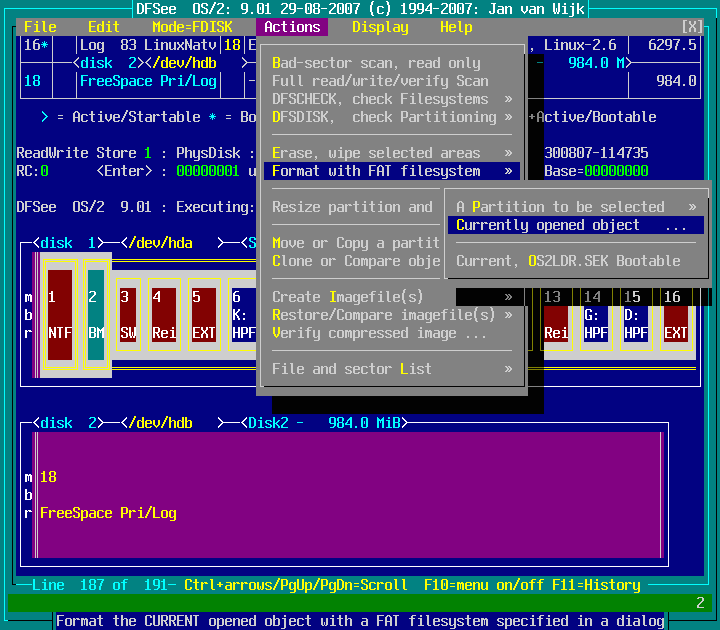
Actions -> Format with FAT filesystem -> Currently opened object ...
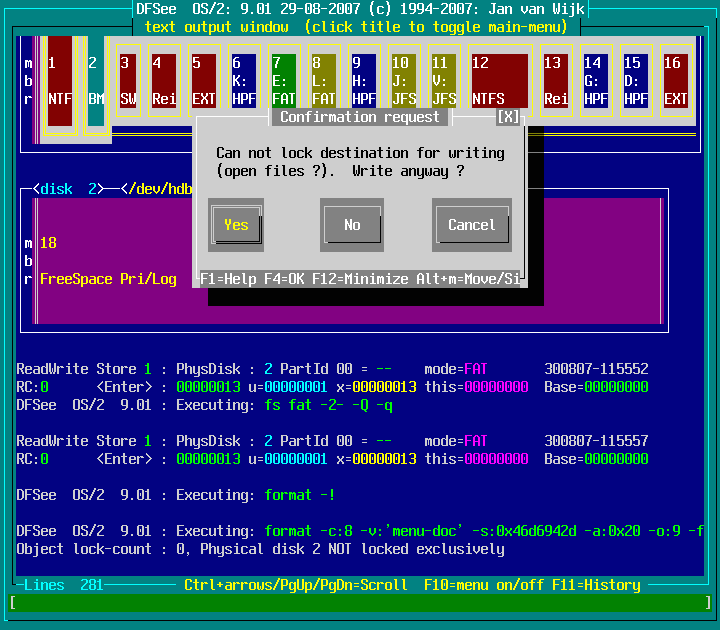
Actions -> Format with FAT filesystem -> Currently opened object ... : screenshot 1
Click anywhere in the image to return
(
Back
)
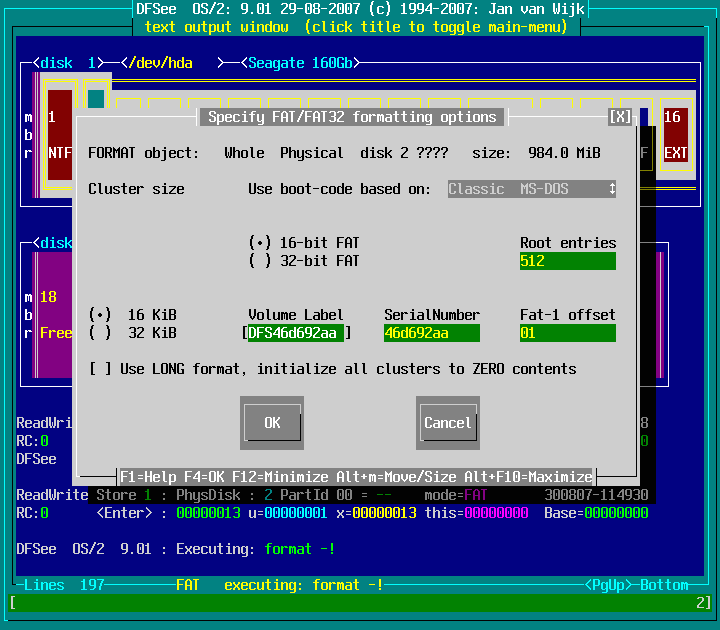
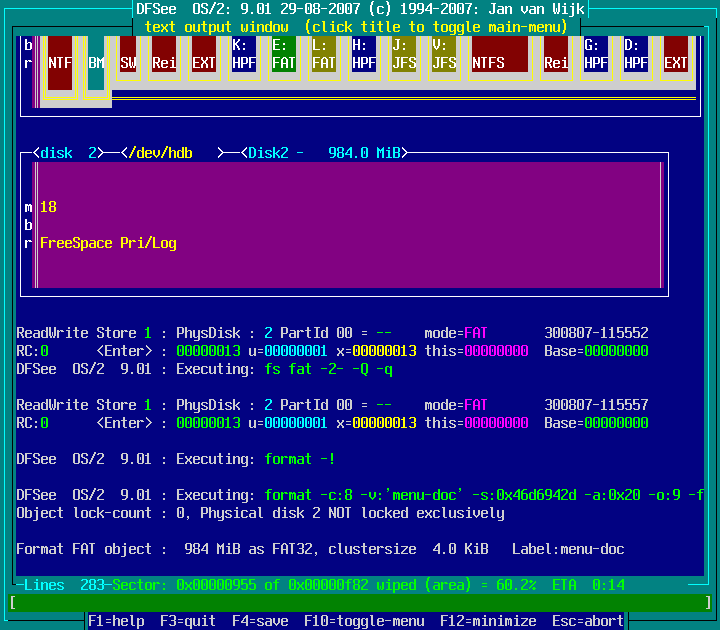
Actions -> Format with FAT filesystem -> Currently opened object ... : screenshot 2
Click anywhere in the image to return
(
Back
)
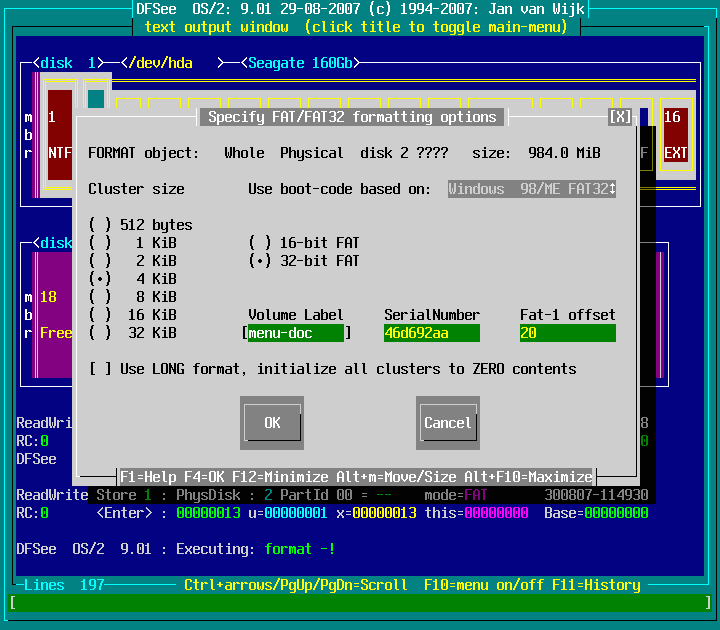
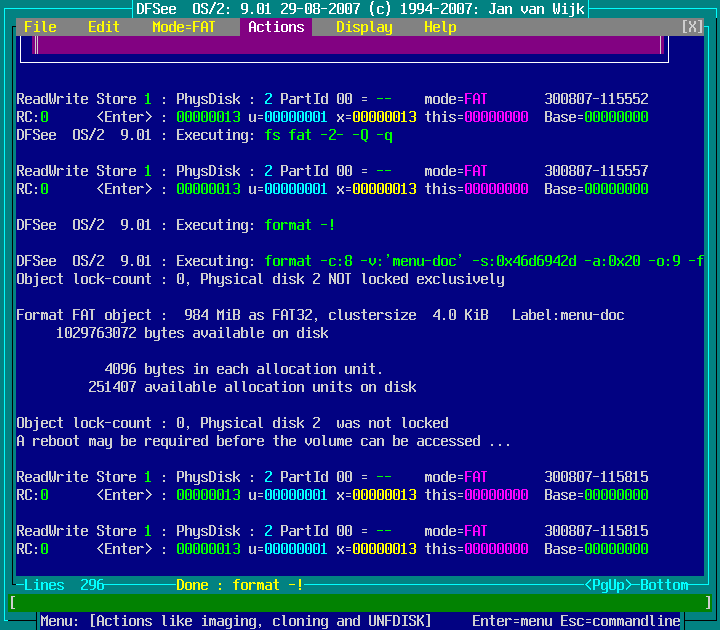
Actions -> Format with FAT filesystem -> Currently opened object ... : screenshot 3
Click anywhere in the image to return
(
Back
)
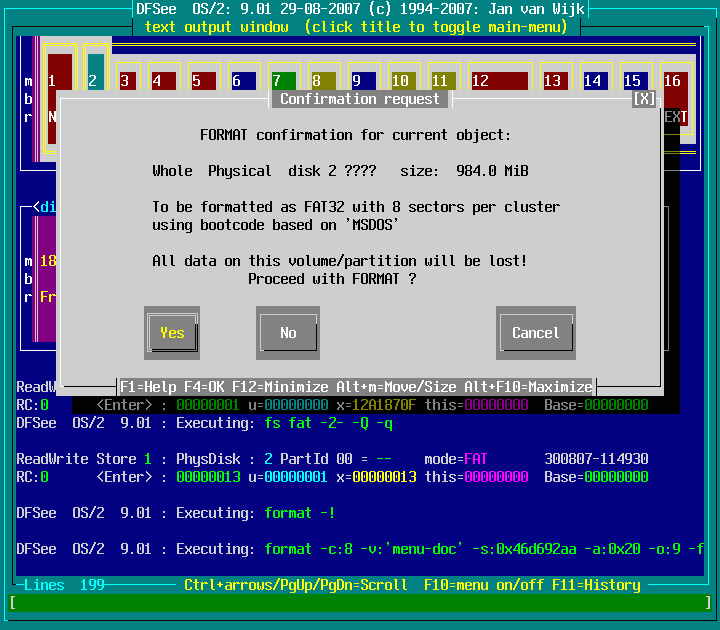
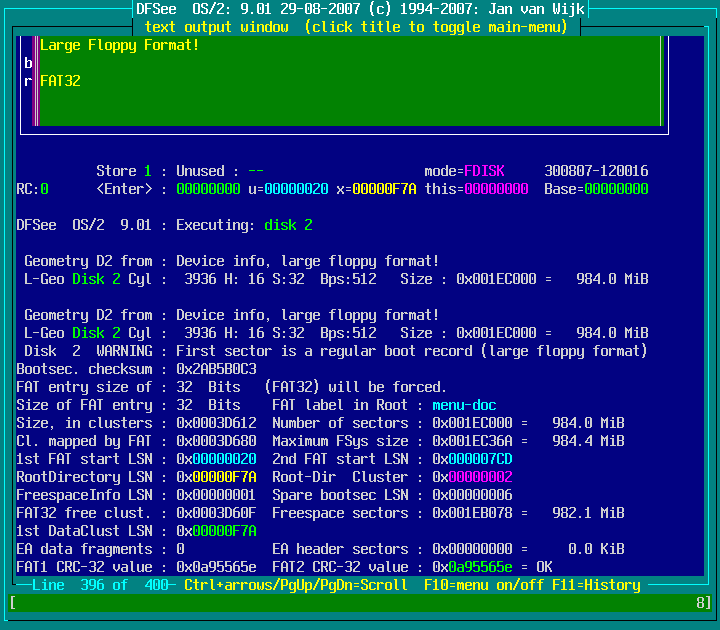
Actions -> Format with FAT filesystem -> Currently opened object ... : screenshot 4
Click anywhere in the image to return
(
Back
)
Actions -> Format with FAT filesystem -> Currently opened object ... : screenshot 5
Click anywhere in the image to return
(
Back
)
Actions -> Format with FAT filesystem -> Currently opened object ... : screenshot 6
Click anywhere in the image to return
(
Back
)
Actions -> Format with FAT filesystem -> Currently opened object ... : screenshot 7
Click anywhere in the image to return
(
Back
)
Actions -> Format with FAT filesystem -> Currently opened object ... : screenshot 8
Click anywhere in the image to return
(
Back
)
Views: 628250
Created by Jan van Wijk: Dec 2015, last update:
23-Oct-2022